
Record Meetings
Digital recording on your Windows computer allows you to easily document motions and votes, detailed discussions and action items. Creating accurate minutes is a snap, and the annotated recordings ensure participants have a detailed understanding of what happens at every meeting.
Learn more about Meeting Recorder 10
Learn more about Gov Recorder 10
Learn more about Transcriber 10
Features and Benefits
What makes SoniClear software different from other methods of recording is that important meeting information is instantly accessible.
You can play recordings from your own computer for review. In addition, you can share recordings on a network folder, flash drive, or on CD.
Timestamped notes in the recording can be used to highlight important points during the meeting, making it quick and easy to locate every detail.
Record discussions in the exact words of the participants
Take meeting minutes quickly and easily on your computer
Automatically transcribe voice to text using integrated cloud service
Preserve meeting information and share it with participants
Two Versions for Meetings
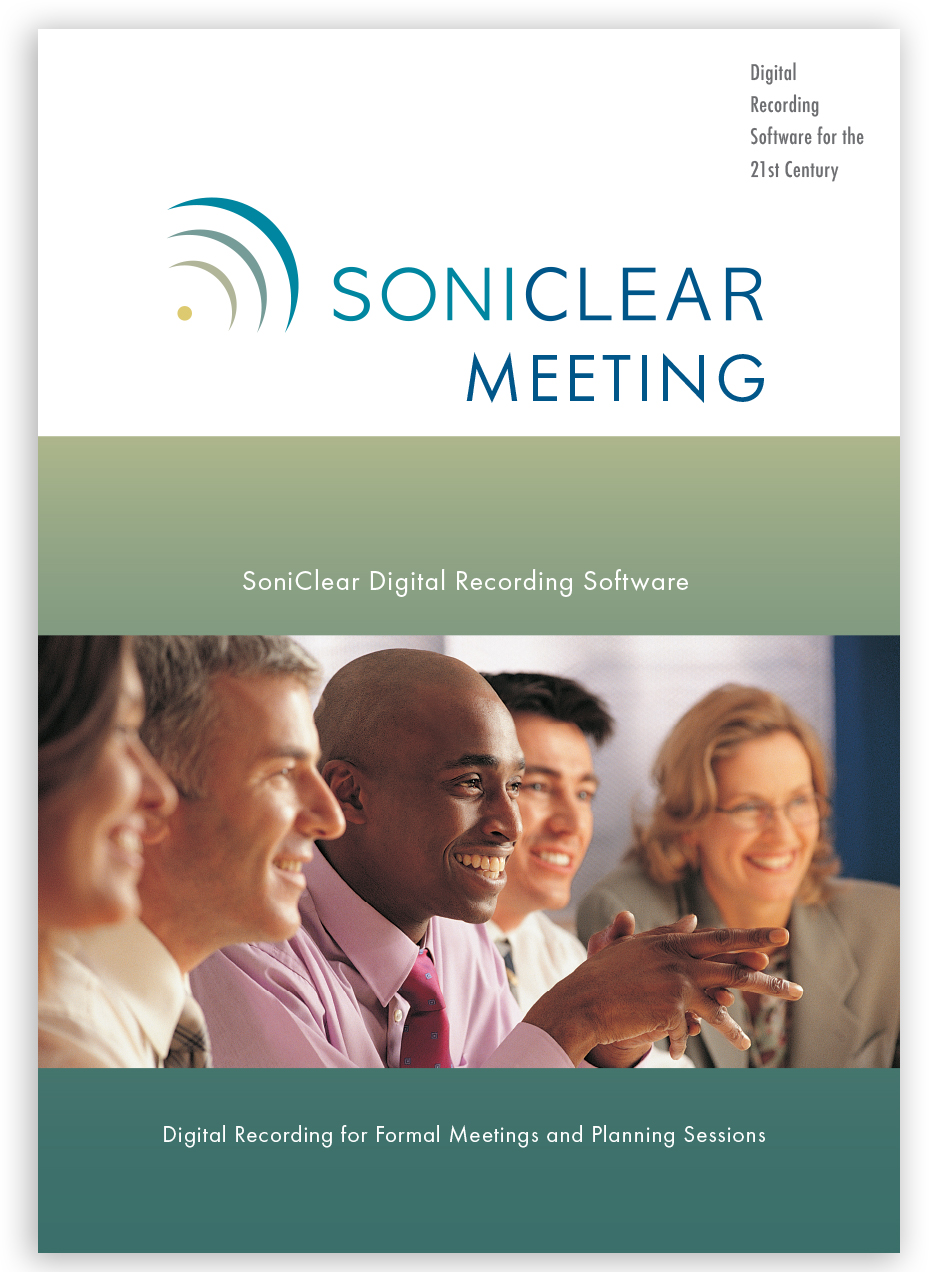
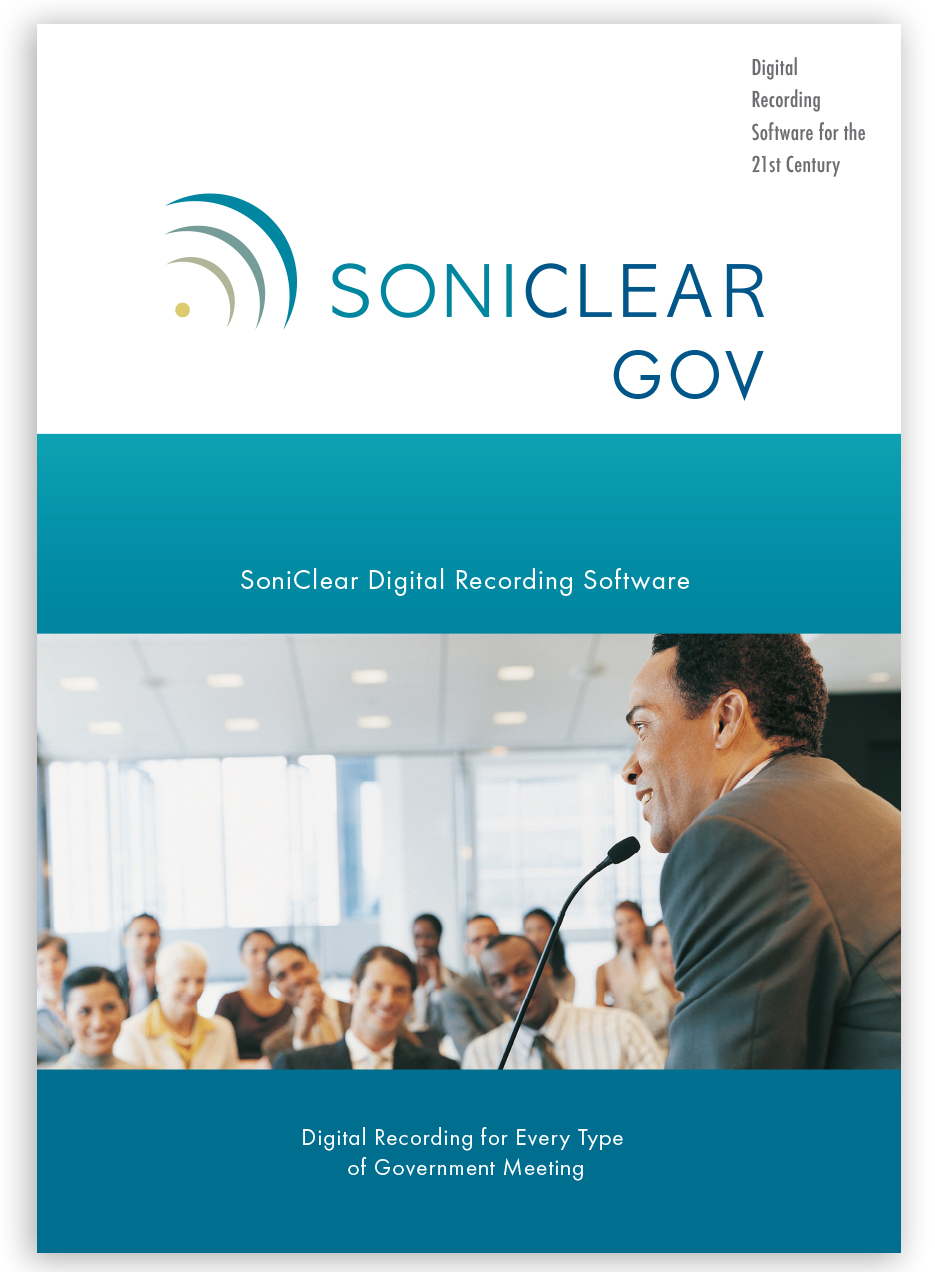
Meeting Recorder 10 and Gov Recorder 10 have the same essential recording and transcription features needed to capture and review meetings.
Meeting Recorder 10 is ideal for board secretaries and clerks who primarily need to record meetings, produce minutes, and play back recordings for their own review.
Gov Recorder 10 has additional advanced features for government. This includes a transcription-style player for use by multiple departments, plus network archiving and web streaming to make it even easier to share recordings with meeting participants.
Easy to Use
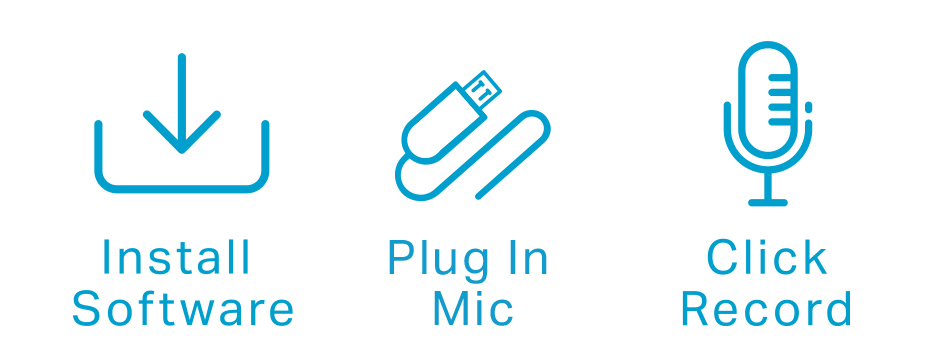
SoniClear software has been designed by digital recording experts to be reliable and easy to operate. You can start using SoniClear without any special training, since the controls on the screen look like a traditional hardware recorder.
Going beyond just recording, SoniClear simplifies your process for archiving and reviewing meetings. SoniClear makes it easy to outline the events of the meeting in the recording. As discussions unfold, important points can be highlighted with time stamped notes. When listening to the meeting, any point can be accessed with one click.
Save Time and Reduce Stress
SoniClear is the modern, easy way to capture meeting information, and make it available to participants. You can relax, knowing that you will not miss any detail. Creating accurate minutes and reviewing meeting discussions is faster and easierwith SoniClear.
Ten Reasons Why Customers Choose SoniClear Software
Save time every day, produce minutes faster and easier
As easy as a tape recorder, with the power of computing
Hear the softest voice in the room with clear digital audio
No need to juggle memory cards, CDs, or batteries
Up to 12 hours continuous recording
Integrated cloud transcription service
Create minutes and save conversations in one step
Recordings are like audio minutes, play any agenda item
Reconstruct important discussions with a few clicks
Turn recording on and off for sensitive discussions
In just a click, share meeting recordings on CD, Network, or Web